What is Cortex?
Cortex is your organisation's platform for trustworthy data, dashboards, apps and workflows. What it is, who uses which part and what makes it different.
Cortex is your organisation's platform for data, dashboards, apps and workflows. It brings the numbers of your business together, agrees once what those numbers mean, and then lets people ask questions, follow dashboards, use apps and run workflows on top of them, all from the same trusted source. When two people ask "what was the revenue this year?", they get the same number, and each can see where it came from.
Cortex is made by VDS and runs in your organisation's own environment. You sign in with the Microsoft account you already use at work.
Who can do this
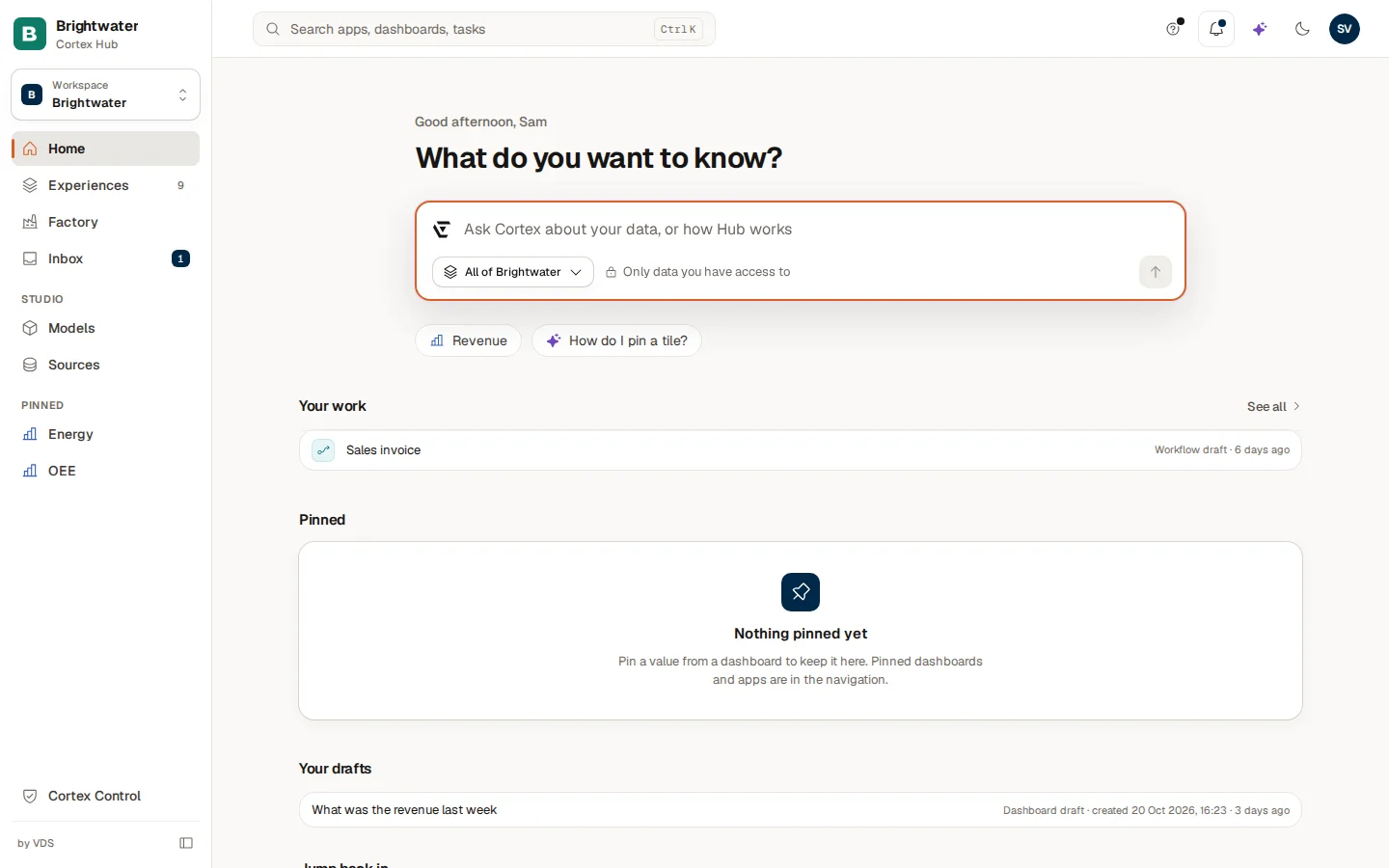
Everyone who can sign in can use the Hub, the part of Cortex for asking, following and doing. Building in Studio needs a Studio seat, and running Cortex Control needs the Admin role. See Who can do what.
The idea in one picture
ERP, CRM, warehouse, factory data. Connected once by IT.
The agreed meaning of the data: tables, figures, rules. Revenue is defined once.
Figures are certified by their owner and checked against the source every night.
Ask, dashboards, apps and workflows. They read through the model, as you.
The next page, How Cortex works, follows one figure through all four boxes.
The three parts
| Part | For | What you do there |
|---|---|---|
| Cortex Hub | Everyone | Home, Ask, your dashboards, apps and workflows, the Inbox with your tasks, notifications |
| Studio | Builders, inside the Hub | Describe what you need and build dashboards, apps and workflows with AI. Maintain the semantic models and certify figures. See what data is connected |
| Cortex Control | IT administrators | People and roles, approvals, policy, budgets, data sources, the AI engine, the licence, the audit log, health |
Studio is not a separate program: it is a group in the Hub's menu that you only see with a Studio seat. Most people only ever use the Hub. Control is for the people who administer Cortex. The 10-minute tour shows all three.
What can you do with it?
Get answers. Type a question in Ask, in plain language: "What was our revenue last month?" Cortex answers from your organisation's agreed definitions of the data and shows how it got there. See Ask Cortex.
Follow what matters. Dashboards show your key figures. You can pin a value to Home, or subscribe to a digest or an alert, so the numbers come to you. See Use a dashboard and Pin a value, pin a dashboard, subscribe.
Work with records. Apps are small business applications made for your organisation: registering, approving, tracking. See Apps and workflows.
Automate steps. Workflows run a process: steps, tasks for people, and checks along the way. Tasks show up in your Inbox. See Workflow runs.
Build, if you are a builder. In Studio you describe what you want in a sentence and Cortex builds a first version of a dashboard, app or workflow with you. You review it before anyone else sees it. See Start something and follow your requests.
Run it, if you are an admin. In Control you decide who may do what, connect systems once and watch cost, health and the audit log. See Overview, attention list and health.
What makes Cortex different?
Most tools let each report or spreadsheet define "revenue" in its own way. In Cortex the definition lives in one place, a semantic model, and everything reads through it. Dashboards, Ask and apps give the same number for the same question. See Semantic models.
Figures that someone has checked carry a Certified badge, and Cortex checks them against the source every night. A badge that stays on a number that has stopped matching would be worse than no badge, so when a figure stops matching, the badge comes off by itself. See Certified figures and nightly checks.
The AI has one job: to understand your question and put the answer into words. It does not do the calculation and it never types a number into a dashboard. See Ask and AI.
Cortex works as the person who asks. Everyone sees only the data they have access to, in Ask as well as on dashboards. See Access and security.
What Cortex is not
- Not a replacement for your source systems. Your ERP stays your ERP. Cortex reads from it and does not keep a second copy of your business in the model.
- Not a place with its own passwords. You sign in through your organisation's Microsoft account.
- Not an AI that makes numbers up. If a figure is not in the model, Ask says so, and can pass the gap on to the model's owner, instead of guessing.
Example: one number, four places
Brightwater Foods makes food products. Its ERP knows every invoice. IT connected the ERP once. A builder defined the figure Revenue in the Sales model and the owner certified it. Now:
- Sam de Vries asks Ask "What was the revenue this year?" and gets the figure with the period.
- The finance dashboard shows the same figure in a tile.
- The sales manager has a weekly digest with the same figure.
- A workflow warns the planner when the figure drops below a line the team chose.
Four places, one definition. When finance changes what counts as revenue, the owner changes the definition once, certifies it again, and all four follow.